Living wallpapers
Open your phone. Your guardian is already there.
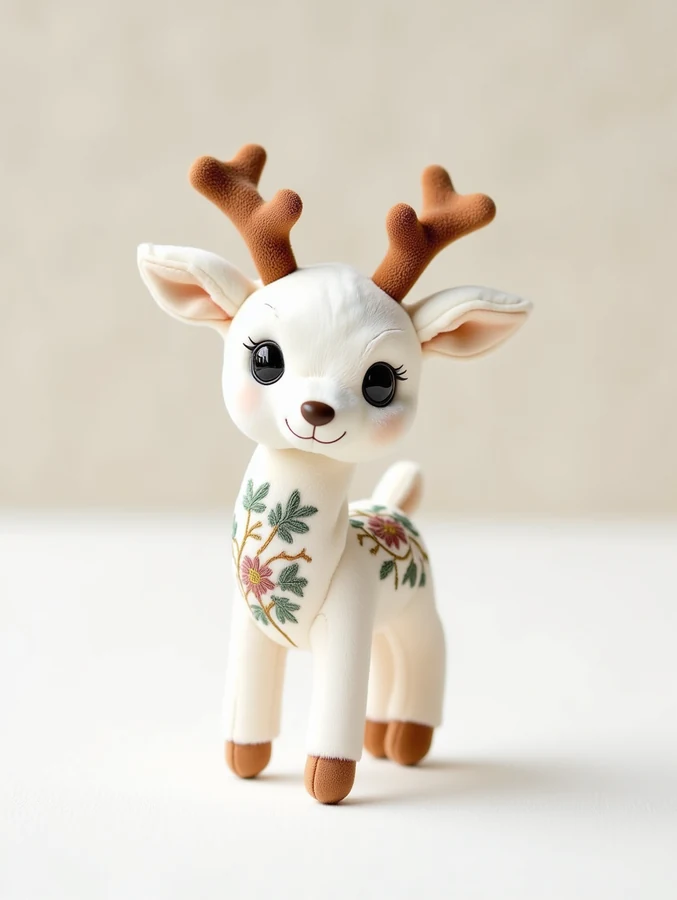
Six guardians, quietly breathing on your screen. Pick one, download it, set it as your wallpaper — the lockscreen loop plays when you long-press or wake the screen. No app, no account needed.
How to set it
Android — Download the MP4, open it in your gallery, tap the three-dot menu → «Set as wallpaper» (or use Video Wallpaper / Walloop if your launcher lacks the option). The loop plays on your home screen.
iPhone — iOS lock screens take Live Photos, not videos. Convert the MP4 with a free tool like intoLive, then Settings → Wallpaper → Add New → your Live Photo → set as Lock Screen. Press and hold to see your guardian move.
Each clip is a 5-second seamless loop, about 2.5–5 MB. They were generated from the guardians' official concept art — the same beasts that hatch on this site.